
Ergonomics For Working From Home
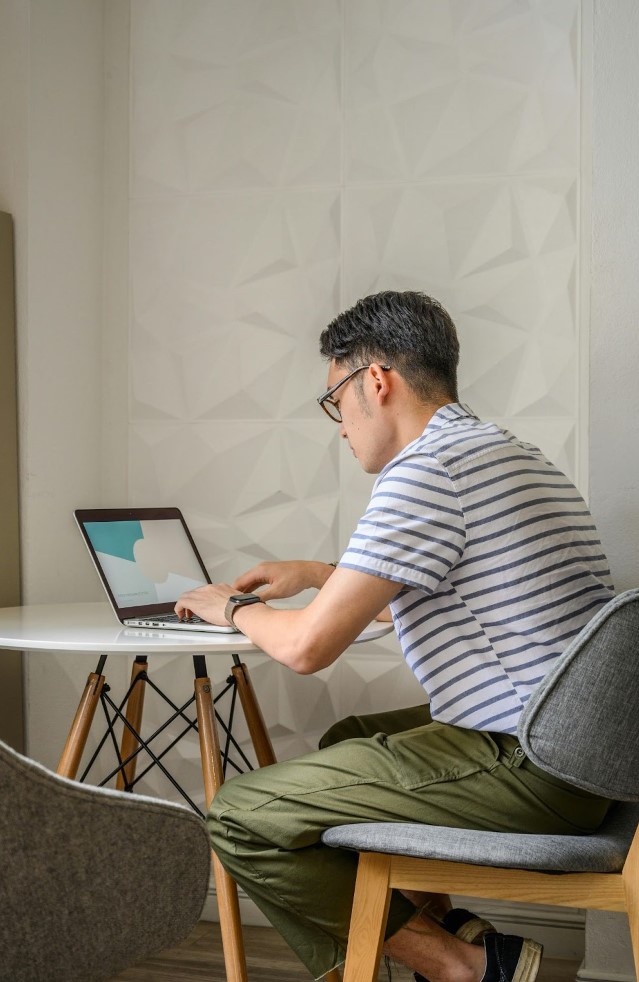

Are you someone who works from home? Working from home has its benefits of flexibility, no long commute, and most of all comfort. With comfort, issues can come if the remote worker is not careful. It is important to set up your work space in a way that creates good boundaries and ergonomics. With these two systems in place it will help to create a work space that is efficient and comfortable each day.
One of the most important tasks is to find the space you are going to be working from in your home. A mistake that people can make is not choosing a designated space. This then gives way to sitting on their couch or a chair that is not supportive for the tasks you are completing. When choosing a workspace, it is wise to choose a space that has a table and supportive chair. This is so that you can properly position your laptop or work area so avoid straining or overusing certain muscles in your body. A good set up includes sitting in a chair that your feet are flat on the ground, your arms are down at your sides with elbows at about 90 degrees of flexion, and your laptop or work is at eye level. An easy fix to get your computer monitor to be at eye level is to put books under it so that it gets raised to your desired height.
Boundaries are important due to the fact that working from home can create working longer hours than anticipated. It is easy to check your work email after hours or to continue to work on a task even after the work day is done. A good way to set a boundary is to physically close your door to the work space. Once the door is shut try to keep it closed until the next work day. Another easy boundary you can make is setting an alarm on your phone and once the alarm goes off, you are done with working on things for work that day.
Working from home can be great due to the flexibility and the comfort of it. It can become even better once boundaries and the set up of your workspace are in place. The tips listed above are easy to implement and change as your needs and demands from your work do too. Happy working from home!
If you’re experiencing symptoms of pain while working from home, ProTailored Physical Therapy can help! Call us at (260) 739-0300 to schedule your consultation and take the first step toward relief.